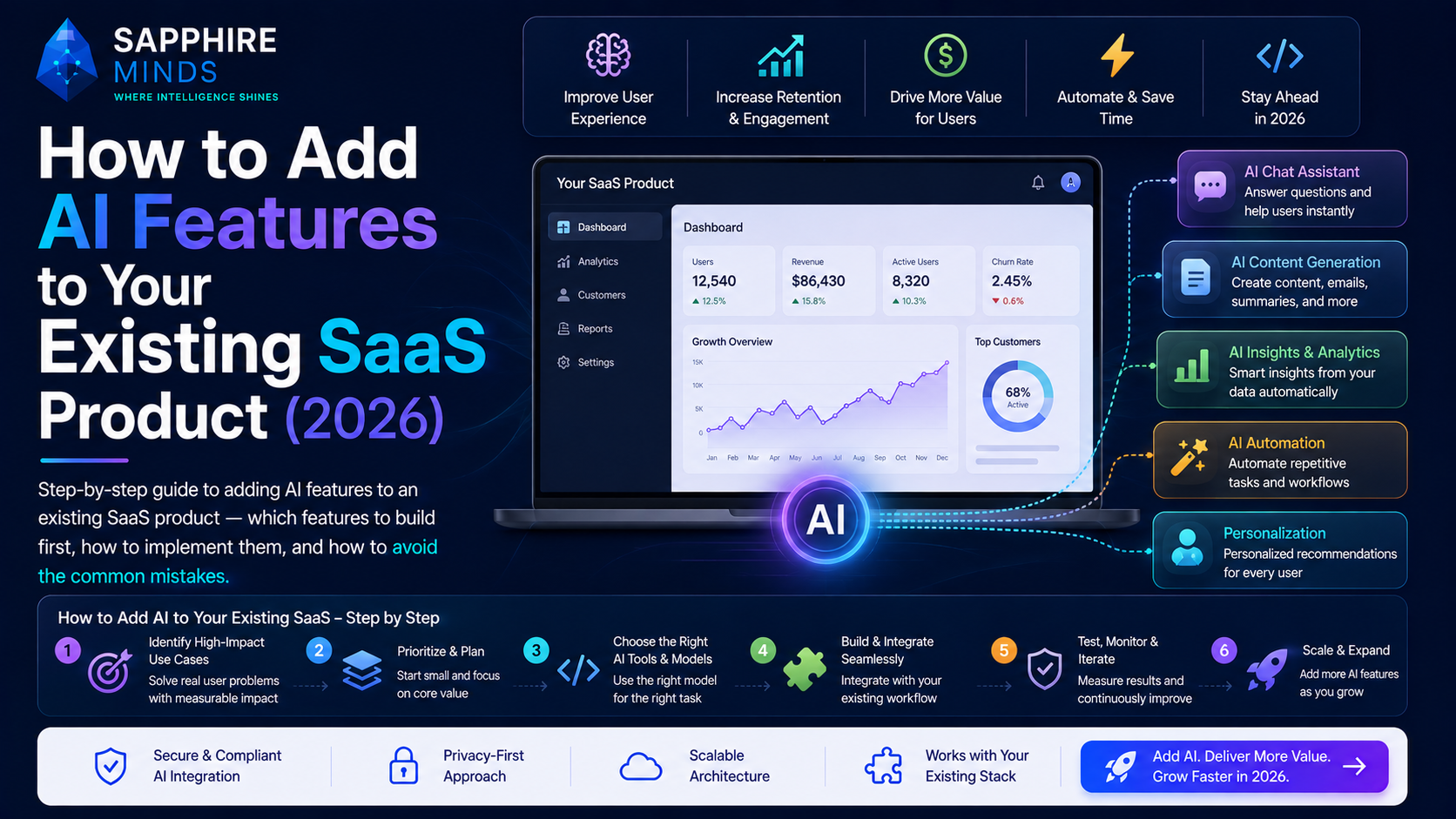
Most SaaS products adding AI in 2026 aren't building AI companies — they're adding AI capabilities to established products to improve user outcomes, reduce churn, and differentiate from competitors.
This guide covers how to do it well: which features to build first, how to implement them, and how to avoid the mistakes that create AI features that nobody uses.
Start with user problems, not AI capabilities
The most common mistake is starting with the technology: "We should add an AI chatbot." The right starting point is the user problem: "Users spend 45 minutes manually summarising weekly reports. What if we automated that?"
AI features that stick solve a real, frequently-occurring pain point that users already feel. AI features that don't stick are technically impressive but don't save users meaningful time or effort.
How to find the right AI features to build:
- Look at your support tickets — what are users asking help with repeatedly?
- Look at your analytics — where do users spend the most time in your product?
- Look at your churn interviews — what did users say was too slow or too manual?
- Ask your power users — "what would save you the most time in your workflow?"
The AI features with the highest ROI in SaaS
Based on what we see getting adopted and retained:
Auto-summarisation: Summarise long content — support tickets, documents, activity logs, reports. Users don't need to read everything; they need the key points fast. Implementation: 3–7 days. Retention: very high.
Smart search: Natural language search over your product's data. Instead of filtering dropdowns, users type "show me high-priority tickets from enterprise customers opened this week." Implementation: 2–4 weeks with RAG. Retention: very high for power users.
Content generation: "Write a first draft of this." "Generate a response based on this ticket." "Summarise this into a status update." One-click AI drafts that users edit and send. Implementation: 3–7 days. Retention: high for writing-heavy workflows.
Auto-classification: Automatically tag, categorise, or route incoming data — support tickets, leads, form submissions. Replaces manual triage. Implementation: 1–2 weeks. Retention: very high because it's invisible (it just works).
Onboarding assistant: AI chatbot that answers "how do I do X?" questions about your specific product using your documentation. Reduces support burden and improves activation. Implementation: 2–4 weeks with RAG. Retention: high for new users.
How to implement without breaking what works
Wrap, don't replace. Add AI alongside existing workflows, not replacing them. Users can ignore the AI feature and use the product exactly as before. This dramatically reduces risk and adoption friction.
Make it optional and explicit. Don't automatically AI-process user data without their knowledge. Make AI features obvious — a button, a toggle, a clearly labelled section. Users who trust AI will use it; users who don't can ignore it.
Show the source. For AI-generated answers or summaries, show users what the AI based its response on. "Based on ticket #1234 and your documentation article X." This builds trust and lets users verify accuracy.
Always provide an escape hatch. Any AI-generated content should be editable. A "regenerate" button for when the output isn't right. A "clear" button to start fresh.
The technical integration path
Week 1–2: Setup and first feature
- Choose your LLM provider (GPT-4o mini is a sensible default for most SaaS)
- Build the backend service layer that abstracts LLM calls
- Implement your first AI feature — pick the simplest one (usually summarisation)
- Add cost monitoring from day one
Week 3–4: RAG if needed
- If your AI features need to reference your product's data, add RAG
- Set up vector database (pgvector if you're already on Postgres, Pinecone for simplicity)
- Index your existing knowledge base, documentation, or product data
- Wire retrieval into your prompt construction
Week 5+: Iterate based on usage
- Which features are users actually using?
- Where are AI responses wrong or unhelpful?
- What are users asking the AI that it can't answer?
Measuring AI feature success
Adoption rate: % of active users who use the AI feature at least once per month. Under 10% = not solving a real problem or too hidden. Over 30% = strong signal.
Retention impact: Do users who use AI features churn less? Run a 90-day cohort analysis comparing AI users vs. non-AI users. This is the most compelling internal metric for continued AI investment.
Time-to-complete: For task-oriented AI features, does the AI version complete the task faster? Measure actual time savings — not perceived.
Support deflection: For AI chatbot features, what % of questions does the bot answer without escalation to a human?
The cost question
AI features add variable costs. For a SaaS with 5,000 monthly active users using AI features 10 times each month at 500 tokens per call:
5,000 × 10 × 500 = 25M tokens/month At GPT-4o mini: ~$4/month total. Negligible at early stage. At GPT-4o: ~$62.50/month input alone. Still manageable.
As you scale to 50,000 users, costs scale linearly unless you add caching. Build cost monitoring before you need it.
Getting help with your AI integration
At Sapphire Minds, adding AI features to existing SaaS products is one of our most common engagements. Most of our clients have a live product with real users and want to add 1–3 AI features without disrupting what's working.
We typically deliver a first AI feature in 2–3 weeks, with ongoing iterations as usage data informs what to build next.
Related: What is LLM Integration? · How to Build a RAG Chatbot · How Much Does AI Development Cost in 2026?