Building a mobile app in 2026 is more accessible than ever — but the path from idea to app store is longer than most first-timers expect. This guide covers every step, from initial concept through to App Store and Google Play submission.
Step 1: Define the problem and the core feature (Week 1)
The most common mistake in mobile app development is starting with features rather than problems. Before touching a line of code, answer these three questions:
What problem does this app solve? Be specific. "Helps people be more productive" is not a problem. "Lets freelancers track billable hours on their phone with one tap" is a problem.
Who is the user? Name a specific person. "My friend Sarah, who is a freelance designer, is always forgetting to track time on client projects." The more specific your user, the better your product decisions.
What is the one core feature? If your app does one thing extremely well, it has a better chance than an app that does ten things adequately. Define the single action that delivers 80% of your value — everything else is secondary.
Step 2: Choose your development approach (Week 1–2)
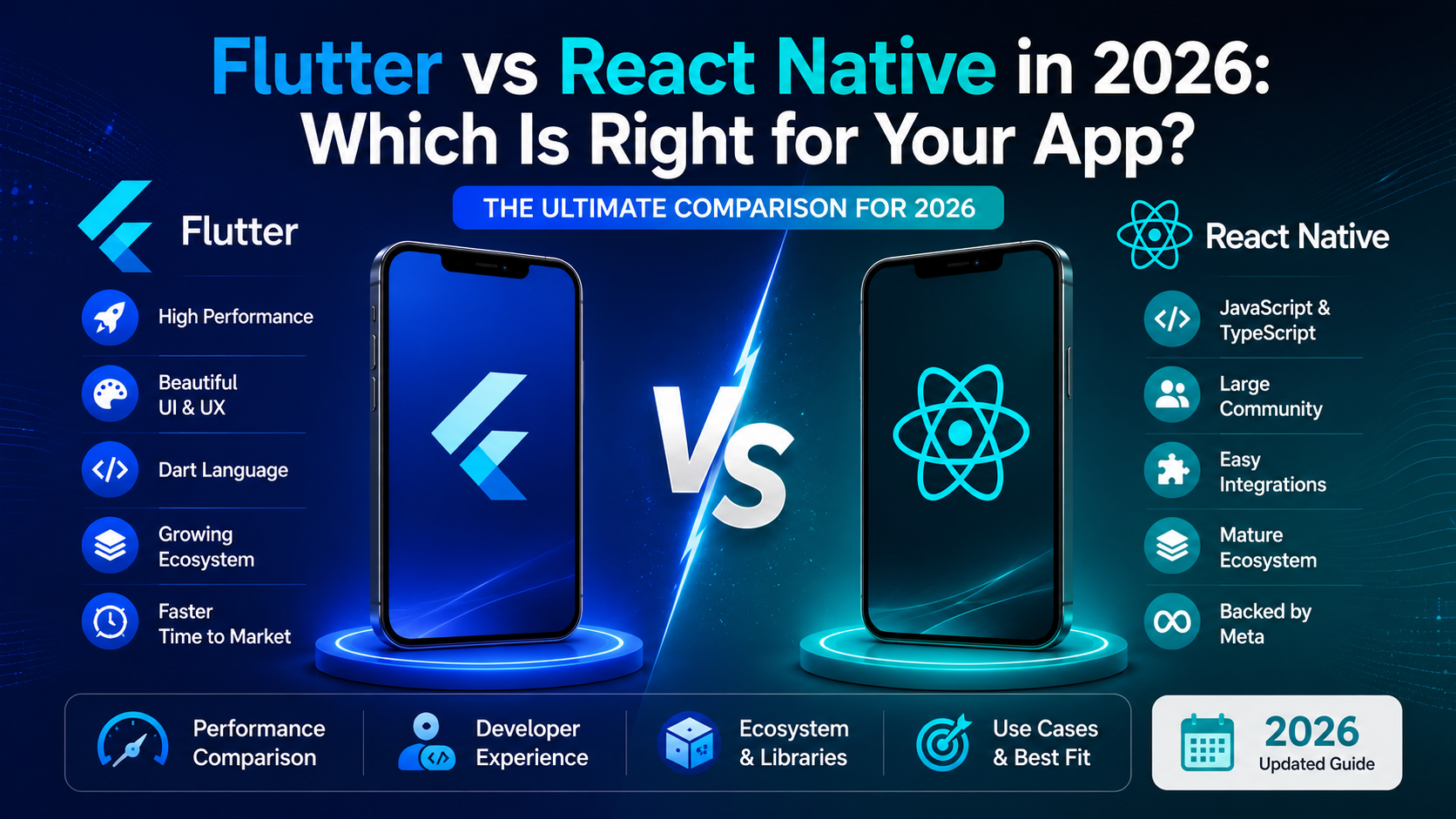
You have four options for building a mobile app:
Approach | What it is | Cost | Best for |
|---|---|---|---|
Flutter | Single codebase, both iOS + Android | $$ | Startups, MVPs, pixel-perfect UI |
React Native | Single codebase, both iOS + Android | $$ | Teams with React/JS experience |
Native (Swift + Kotlin) | Separate codebase per platform | $$$$ | Performance-critical, platform-specific features |
PWA (web app) | Web app that behaves like an app | $ | Simple use cases, fast MVP, no app store |
For most startups building an MVP in 2026: Flutter is the default recommendation. One codebase, both platforms, consistent UI, strong performance, and the fastest path to a testable product.
Step 3: Design the user experience (Week 2–3)
Design before you build. This sounds obvious but is skipped constantly. A week of design saves four weeks of rebuilding.
User flow first: Map out exactly what a user does from opening the app to completing the core action. Every screen, every button, every decision point. Tools: FigJam, Miro, or even pen and paper.
Wireframes second: Low-fidelity wireframes of each screen. No colours, no fonts, just layout. The goal is to find UX problems before they become code problems.
High-fidelity design third: Figma is the standard. If you're working with a development agency, they'll typically deliver Figma files you can inspect and export assets from directly.
Design system: Define your colours, typography, spacing, and component library before development starts. This produces consistent UI and faster development — developers build components once and reuse them everywhere.
Step 4: Build the MVP (Week 3–12)
A mobile app MVP has these non-negotiable components:
Authentication: Sign up, log in, forgot password, session management. Use a managed auth service (Firebase Auth, Supabase Auth, Clerk) — never build auth from scratch. This alone saves 2–3 weeks.
Core feature: The one thing your app does. Build this first. Build it well. Everything else is secondary.
Backend API: Most mobile apps need a backend — to store data, handle business logic, manage notifications, and authenticate users. Node.js or Python are the most common choices.
Push notifications: Even if not used at launch, set up the notification infrastructure (Firebase Cloud Messaging) early. Retrofitting it is painful.
Basic analytics: Firebase Analytics or Mixpanel. You need to see what users actually do — which screens they visit, where they drop off, what they tap. Without analytics, iteration is guesswork.
Skip for MVP: Social sharing, advanced notifications, offline mode, complex settings, multi-language support, in-app purchases (unless monetisation is core to the MVP). Every feature you skip is a week saved.
Step 5: Test before submission (Week 11–12)
Device testing: Test on at least 3 real devices — not just the simulator. An iPhone 13, an iPhone 16, and a mid-range Android (Samsung Galaxy A-series). UI that looks perfect in Figma can break on a 5-year-old device with a different screen ratio.
TestFlight (iOS): Apple's beta distribution platform. Upload your build, invite testers by email, get feedback before App Store submission. Free.
Internal testing (Android): Google Play's equivalent. Upload an APK to your developer account, distribute to testers. Free.
Performance testing: Run the app for 30 minutes. Check memory usage — does it grow continuously (memory leak) or stay stable? Check battery usage — does it drain unusually fast?
Step 6: App Store and Google Play submission (Week 12–14)
Both platforms require preparation before submission. The review process takes time — plan for it.
Apple App Store:
Apple Developer Program: $99/year
App Store Connect account setup
App icon: 1024×1024px PNG, no transparency, no rounded corners (Apple adds them)
Screenshots: required for iPhone 6.7" and 6.5" (at minimum). Show the actual app, not marketing graphics.
Privacy policy URL: required for all apps
Review time: typically 24–48 hours for first submission, faster for updates
Google Play Store:
Google Play Developer account: $25 one-time fee
Feature graphic: 1024×500px
Screenshots: at least 2 per form factor
Privacy policy URL: required
Review time: typically 3–7 days for new apps
Common rejection reasons: Broken functionality, login credentials not provided for review (give reviewers a test account), misleading metadata, inadequate privacy disclosures, content policy violations.
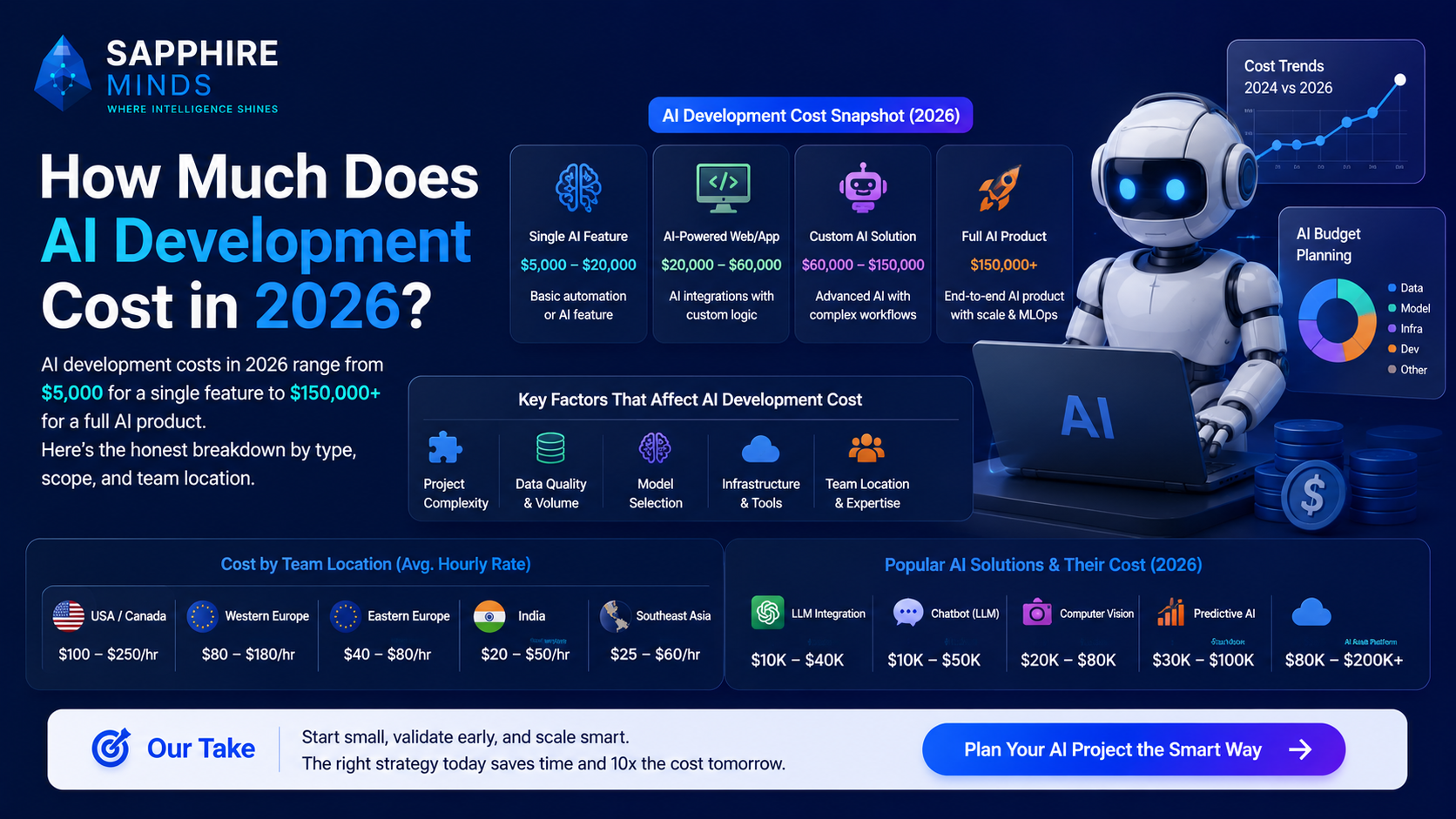
What does building a mobile app cost?
Scope | Cost (India-based team) | Timeline |
|---|---|---|
Simple MVP (1 core feature, basic UI) | $8,000–$18,000 | 6–10 weeks |
Standard app (auth, API, 5–8 screens) | $18,000–$45,000 | 10–16 weeks |
Full-featured app (complex UI, AI, payments) | $45,000–$100,000+ | 4–8 months |
Sapphire Minds builds iOS and Android mobile apps using Flutter and React Native. We handle everything from UX design through App Store submission. Get a free estimate for your app →