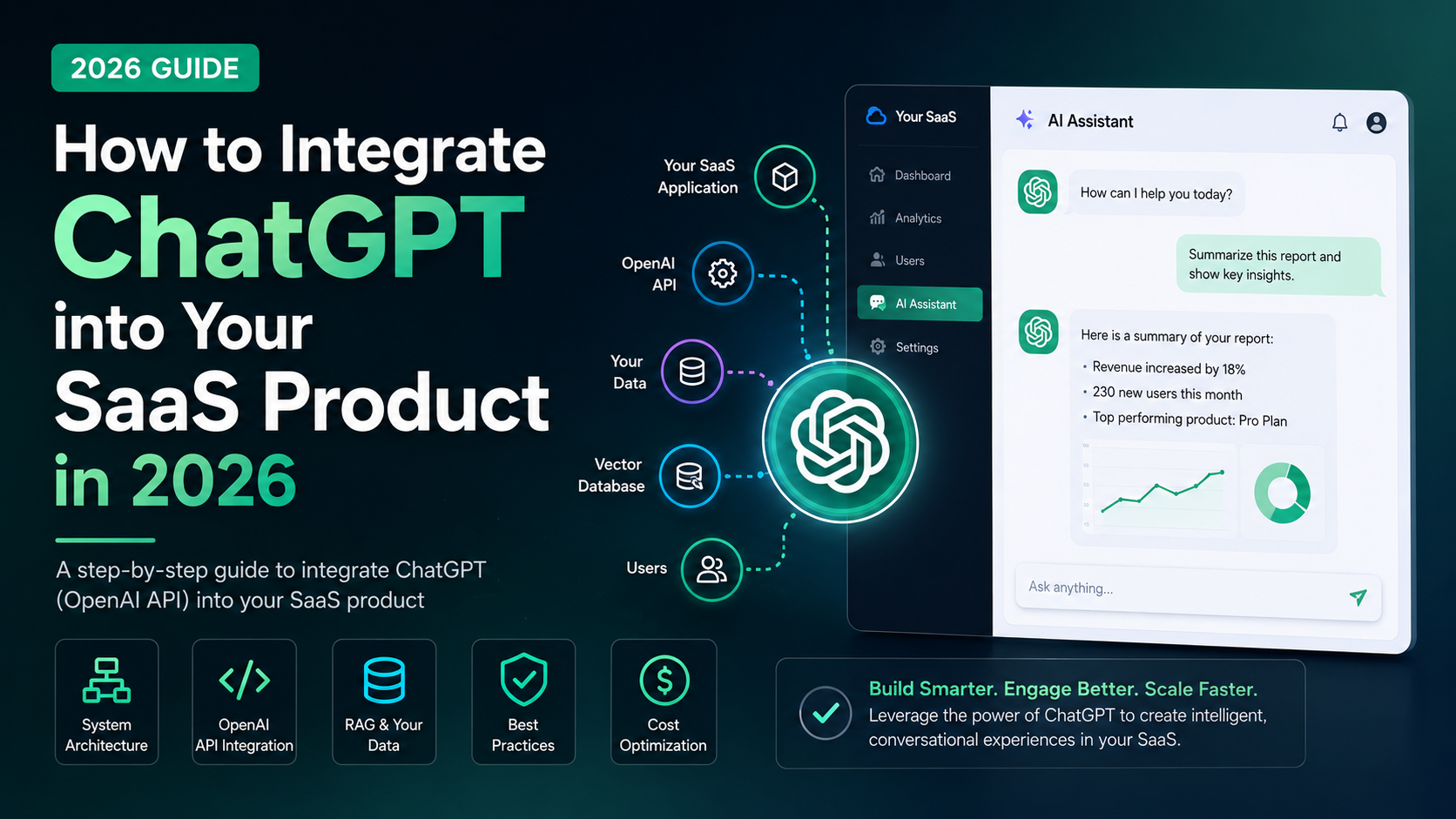
Adding AI to your SaaS product is no longer a differentiator — it's becoming table stakes. But "add AI" is vague. What does a real ChatGPT integration actually look like, and how do you do it without burning your API budget or shipping a half-baked feature?
This guide covers the practical side: architecture patterns, cost considerations, and the mistakes to avoid.
What "ChatGPT integration" actually means
When people say they want to integrate ChatGPT, they usually mean one of three things:
1. A chat interface — Users can ask questions and get answers within your product. Think a support bot, a writing assistant, or a Q&A tool.
2. Background AI processing — AI runs on your data without a user-facing chat. Examples: auto-summarising support tickets, generating reports, tagging content.
3. AI-powered features — Discrete AI actions embedded in your UI. Examples: "Improve this email" buttons, smart search, auto-fill fields.
Each has different architecture requirements.
The basic architecture
All three patterns use the OpenAI API (or equivalent). Here's the simplest integration:
1. Your backend receives a user request
2. Your backend constructs a prompt (with context)
3. Your backend calls POST https://api.openai.com/v1/chat/completions
4. OpenAI returns a response
5. Your backend processes and returns it to the frontend
The key insight: you never call OpenAI from the frontend. Always route through your backend. This keeps your API key secret and lets you add rate limiting, logging, and cost controls.
Adding your own data: RAG (Retrieval Augmented Generation)
The most powerful SaaS AI integrations don't just use ChatGPT's training data — they use your data. RAG is how you do this:
1. Ingest your documents/data into a vector database (Pinecone, Weaviate, pgvector)
2. When a user asks a question, convert it to an embedding and search for relevant chunks
3. Include those chunks as context in the prompt to GPT-4
4. GPT-4 answers based on your data, not just its training
This is how you build a support bot that knows your product's documentation, or a sales tool that knows your CRM data.
Cost considerations
OpenAI pricing is per token (roughly per word). Here's what to expect:
| Model | Cost (input) | Cost (output) | Best for |
|---|---|---|---|
| GPT-4o | $2.50 / 1M tokens | $10 / 1M tokens | Complex reasoning, production |
| GPT-4o mini | $0.15 / 1M tokens | $0.60 / 1M tokens | High-volume, simpler tasks |
| GPT-3.5 Turbo | $0.50 / 1M tokens | $1.50 / 1M tokens | Legacy, mostly replaced by mini |
For a SaaS with 1,000 daily AI interactions averaging 500 tokens each: that's roughly $2.50–$5/day with GPT-4o mini — very manageable.
Cost control tips:
- Use GPT-4o mini for simple tasks, GPT-4o only when reasoning quality matters
- Cache common responses where possible
- Limit prompt context to what's relevant (don't dump your entire database into every prompt)
- Set max_tokens to cap response length
Common mistakes to avoid
Putting the API key in the frontend. Anyone can extract it from your JavaScript and use it at your expense. Always proxy through your backend.
No rate limiting. A single user could spam your AI endpoint and run up your bill. Implement per-user rate limits from day one.
No fallback. OpenAI has occasional outages. Always handle errors gracefully and show a useful message to users rather than a raw 500 error.
Forgetting about latency. GPT-4o can take 3–10 seconds to respond for long outputs. Use streaming (the API supports it) so users see words appearing in real-time rather than waiting for the full response.
Ignoring prompt injection. If users can put arbitrary text into your prompts, they can try to manipulate your AI into doing things you didn't intend. Sanitise inputs and include system prompts that constrain the model's behaviour.
Ready to add AI to your SaaS?
At Sapphire Minds, we've built AI integrations for SaaS products across multiple industries — from support automation to document intelligence to generative content features. We can help you design the right architecture, implement it cleanly, and avoid the expensive mistakes.